

Minecraft
The Players page
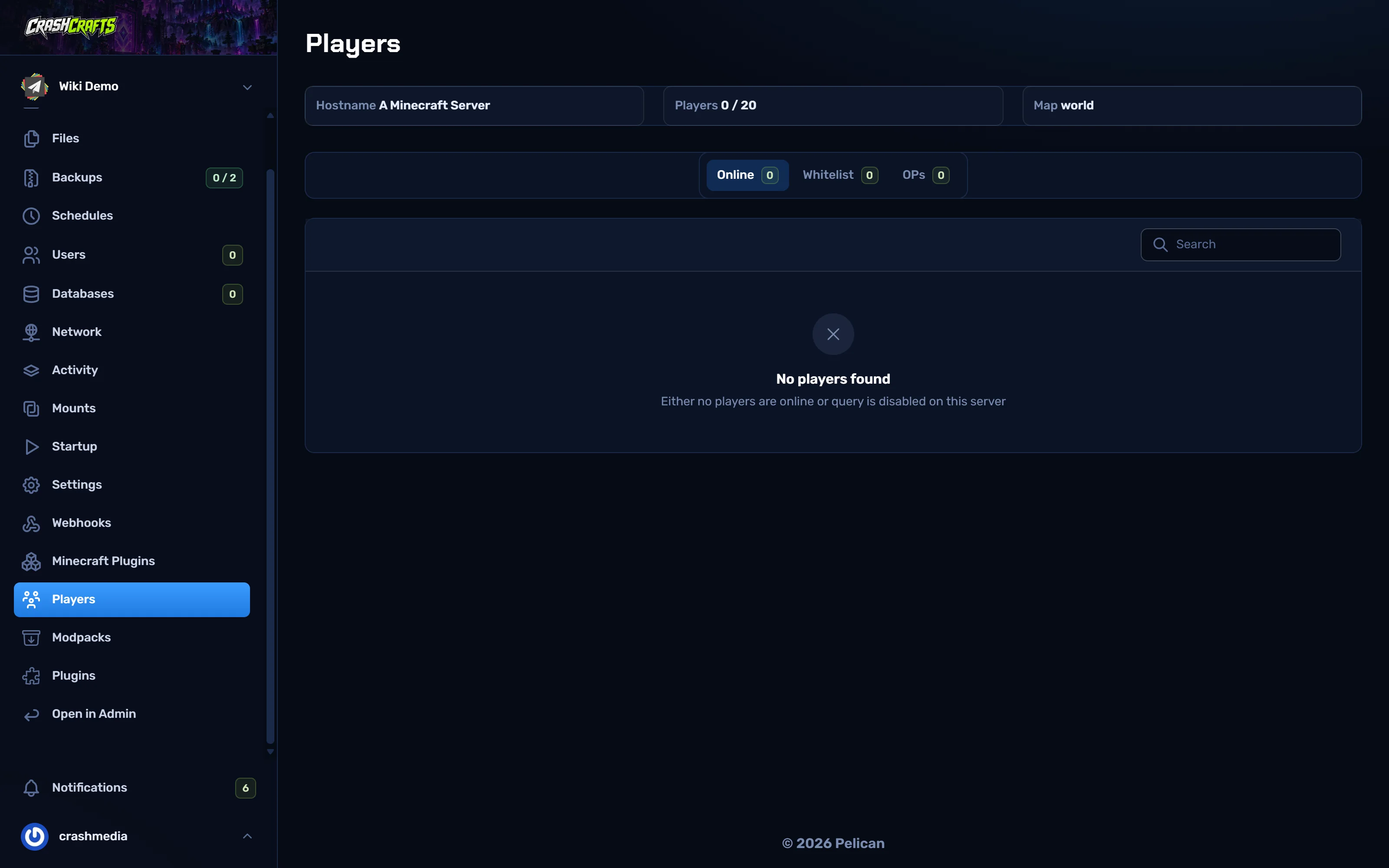
Players shows who's online, the whitelist and the operators (ops). It reads them from the running server, so the server must be running with enable-query=true in server.properties (details). If it says query is disabled, turn that setting on and restart.
Make your server private (whitelist)
- In the Console, run
whitelist on. - Add each player:
whitelist add PlayerName. Spelling must match their Minecraft name. - Check the list:
whitelist list. Remove someone withwhitelist remove PlayerName. - To keep it on after restarts, also set
white-list=trueandenforce-whitelist=trueinserver.properties.
Ops (server admins)
op PlayerNamegives full admin powers in game: all commands, creative mode, kicking and banning.deop PlayerNameremoves them.- Only op people you trust completely. For moderators, use a permissions plugin like LuckPerms to give only the commands they need.
Kick and ban
| Command | Does |
|---|---|
kick PlayerName Spamming |
Disconnects them with a reason. They can rejoin. |
ban PlayerName Griefing |
Bans the account. |
ban-ip PlayerName |
Bans their IP address (careful: it can block whole households or schools). |
pardon PlayerName / pardon-ip 1.2.3.4 |
Un-bans. |
banlist |
Lists bans. |
For timed bans, mutes and warnings, use a moderation plugin such as LiteBans or AdvancedBan. Use CoreProtect (Paper) or Ledger (Fabric) to roll back grief.